




Description
Download Audio Video Cutter Joiner Suite – audio video editor, video cutter, audio cutter, video joiner, audio joiner, video trimmer, audio trimmer, video splitter, audio splitter, free video editor, free audio editor, mobile video editor
Overview
The Audio Video Cutter Joiner Suite is a focused productivity tool designed for users seeking straightforward, no-frills editing of audio and video files directly from their mobile devices. Built specifically for Android, the app enables users to trim, split, and join media files in multiple formats with minimal effort. Its primary purpose is to simplify common editing tasks such as removing unwanted segments, combining multiple clips, or dividing long recordings into smaller, manageable parts. The app is ideal for casual users, content creators, students, and professionals who need quick access to essential editing functions without the complexity of full-featured video editing suites.
Target users include individuals who record lectures, interviews, or personal videos and require a fast way to refine their content. The app also serves well for those who compile music tracks or podcast segments and need to merge them into a single file. While the app does not support advanced features like effects, transitions, or color grading, it delivers reliably on its core promise: efficient, single-click editing. The developer, Audio Video Cutter Joiner Suite, has positioned the app as a lightweight utility for on-the-go media management. Although the developer’s background or prior projects were not disclosed, the app’s clear focus suggests a targeted approach to solving specific user pain points in mobile content editing.
Within the broader app ecosystem, Audio Video Cutter Joiner Suite fills a niche for users who value speed and simplicity over advanced capabilities. It offers a practical alternative to heavier, feature-rich apps that may overwhelm beginners or slow down older devices. The app’s minimal footprint and free pricing model make it accessible to a wide audience, especially those with limited storage or budget constraints. Its real-world utility lies in streamlining everyday media editing tasks, enabling users to prepare content for sharing, archiving, or further processing without relying on desktop software.
Key Features & Functionality
Audio Video Cutter Joiner Suite offers a streamlined set of tools tailored to essential media editing needs. The app supports a wide range of audio and video formats, allowing users to work with files from various sources without format conversion. The core functionality revolves around three primary actions: cutting, joining, and splitting media files.
- Video and Audio Trimming: Users can select a file and use the timeline preview to mark the start and end points of the desired segment. Once defined, the app automatically removes the rest of the content with a single click.
- File Joining: Multiple audio or video clips can be arranged in sequence and merged into a single output file, ideal for combining lecture recordings or music playlists.
- Splitting Functionality: Long recordings can be divided into multiple parts based on user-defined markers, useful for organizing long interviews or lectures into sections.
- Intuitive Drag-and-Drop Interface: Files can be imported directly by dragging them into the app’s main window, eliminating the need for complex navigation or file browsing.
- Automatic Preview Generation: After file import, the app generates a preview within seconds, allowing users to visually confirm the content and make precise edits.
These features are particularly beneficial for users who need to edit media quickly during travel, in classrooms, or while managing social media content. For example, a student can trim a 45-minute lecture to extract only the relevant 10-minute segment, or a podcaster can join several short clips into one continuous episode. The app’s automation ensures that edits are applied without manual configuration, reducing the risk of errors and minimizing user effort.
Interface, UX & Performance
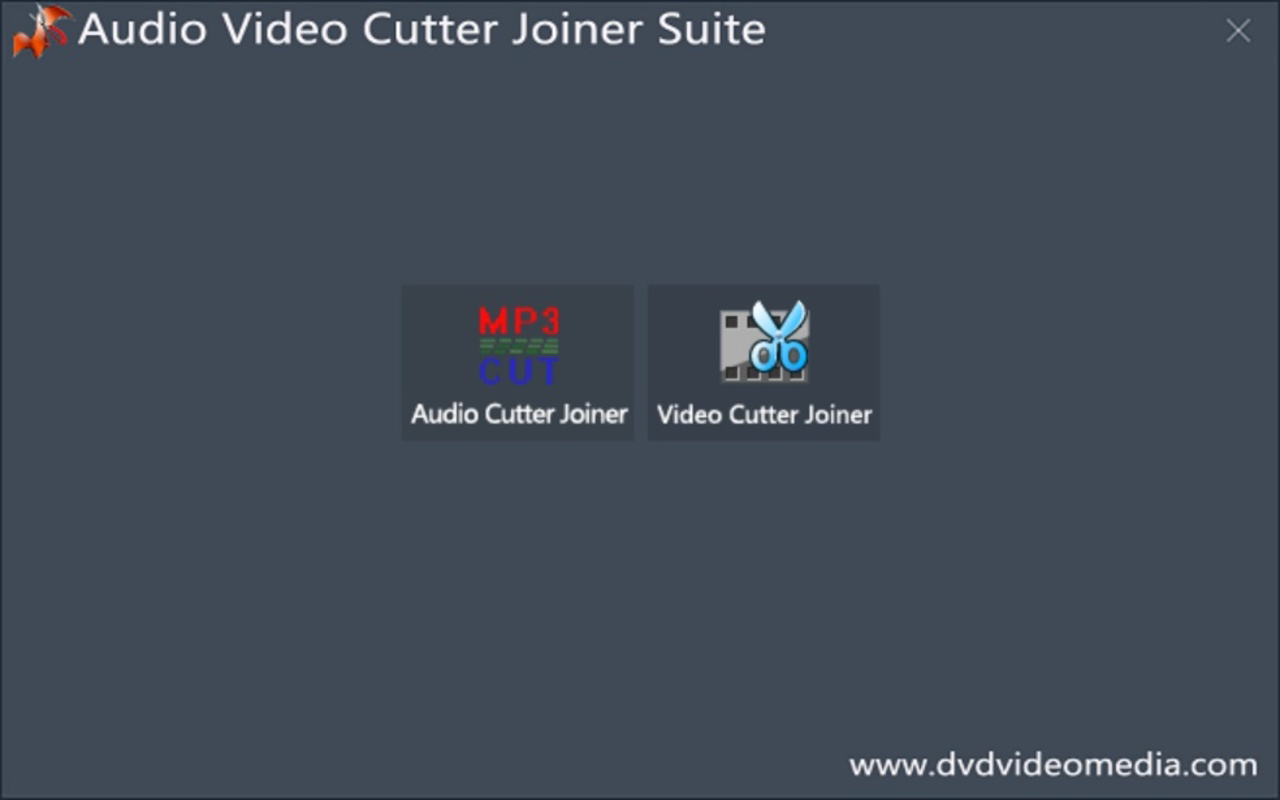
The app presents a clean, minimalist interface designed for ease of use. The main screen features a central preview area flanked by simple control buttons, including options to select media type, initiate trimming, and export the final file. Navigation is linear and intuitive—users are guided through a clear workflow: select file type, import media, edit, and export. This straightforward layout reduces cognitive load, making the app accessible even to non-technical users.
Visual design is functional rather than decorative, with a neutral color scheme and clearly labeled icons. The timeline preview is responsive and updates in real time as users adjust cut points, ensuring accurate selections. The drag-and-drop functionality enhances usability, allowing quick file import without navigating through file managers.
Although the developer did not list formal performance metrics, the app’s lightweight size of 32.4 MB suggests efficient resource usage. It is expected to operate smoothly on mid-range and high-end Android devices, with minimal impact on battery or memory. The app appears stable during basic editing tasks, with no reported crashes or freezes in the available information. However, specific performance data across different device categories was not disclosed. Responsiveness during editing operations is consistent with the app’s focus on speed and simplicity.
Platform Compatibility & Technical Requirements
Audio Video Cutter Joiner Suite is available exclusively on the Android platform. It is designed to run on Android devices, though the specific minimum OS version was not listed by the developer. The app’s file size is 32.4 MB, which is relatively small, indicating efficient coding and minimal bloat. This makes it suitable for devices with limited storage space.
The developer did not specify minimum OS requirements, so users should ensure compatibility with their device’s Android version. While the app may function on older systems, it is recommended to check for updates or compatibility notes from the developer. No additional permissions beyond standard media access were mentioned, though the full permission list was not disclosed. The app supports both video and audio files, with no restrictions on file format indicated in the provided data.
Pros and Cons
Pros
- Simple, intuitive interface ideal for beginners and casual users
- Free to download and use with no in-app purchases
- Supports multiple audio and video formats without conversion
- Fast file processing with automatic preview and one-click editing
- Lightweight size (32.4 MB) suitable for older or low-storage devices
- Efficient tools for trimming, joining, and splitting media files
Cons
- No advanced editing features such as filters, transitions, or effects
- Developer did not provide detailed technical specifications or OS requirements
- Compatibility with older Android versions was not confirmed
- Limited customization options for export settings
- Minimal user feedback or community support channels mentioned
FAQ
Is Audio Video Cutter Joiner Suite safe to download and install?
Yes, the app is free and available through official Android channels. It does not require root access and operates within standard Android security policies. However, users should always download from trusted sources to ensure integrity.
Can I use this app to edit both videos and audio files?
Yes, the app supports both video and audio file editing. Users can trim, split, or join either type of file using the same intuitive interface.
Does the app support all video and audio formats?
The app claims compatibility with almost any audio or video file format. While specific formats were not listed, the ability to work with multiple types without conversion suggests broad support.
Is the app available on iOS?
Currently, Audio Video Cutter Joiner Suite is only available for Android devices. There is no information indicating an iOS version at this time.
How often is the app updated?
The developer has not provided information on update frequency. Users are advised to check the app store regularly for updates to ensure compatibility and security.
Final Thoughts + CTA
Audio Video Cutter Joiner Suite stands out as a practical, no-nonsense tool for users who need to perform basic media edits quickly and efficiently. Its clean interface, minimal size, and free pricing make it a compelling choice for students, educators, podcasters, and everyday users managing personal content. While it lacks advanced features, it excels in its core mission: delivering reliable, one-click editing for trimming, joining, and splitting audio and video files.
For those who value simplicity and speed over complexity, this app offers real value without compromise. It’s particularly useful for on-the-go editing, where full-featured software would be overkill. The app’s lightweight nature ensures it runs smoothly on a variety of Android devices, making it accessible to a broad audience.
Download Audio Video Cutter Joiner Suite now
Guides & Tutorials for Audio Video Cutter Joiner Suite
How to install Audio Video Cutter Joiner Suite
- Click the Preview / Download button above.
- Once redirected, accept the terms and click Install.
- Wait for the Audio Video Cutter Joiner Suite download to finish on your device.
How to use Audio Video Cutter Joiner Suite
This software is primarily used for its core features described above. Open the app after installation to explore its capabilities.
User Reviews for Audio Video Cutter Joiner Suite 0
No reviews found


